
Creating a Starter Design System in Figma with Claude

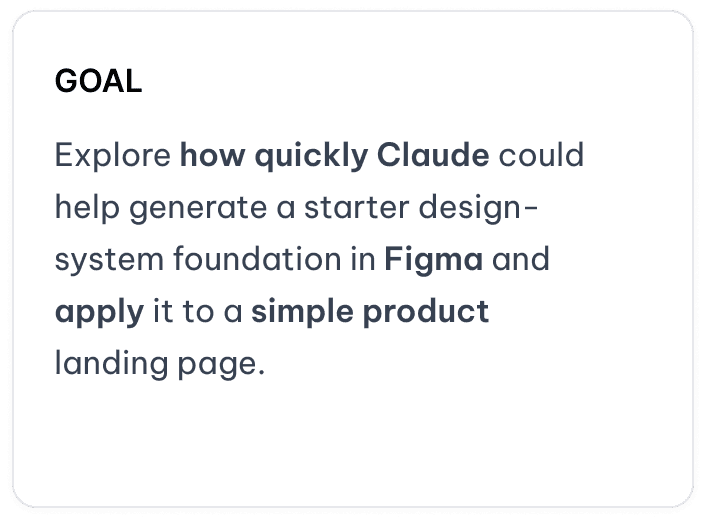
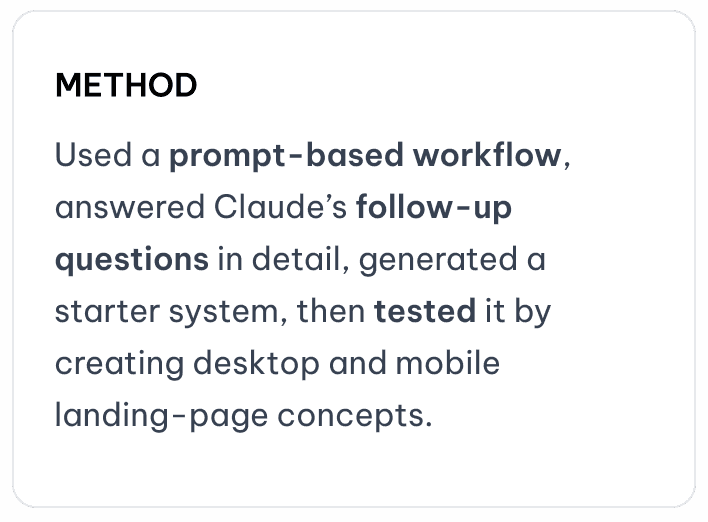
I followed a prompt-based workflow to explore how quickly Claude could help generate a starter design system in Figma. With a few simple prompts and detailed answers to Claude’s follow-up questions, I was able to create an initial design-system foundation in about 10 minutes.
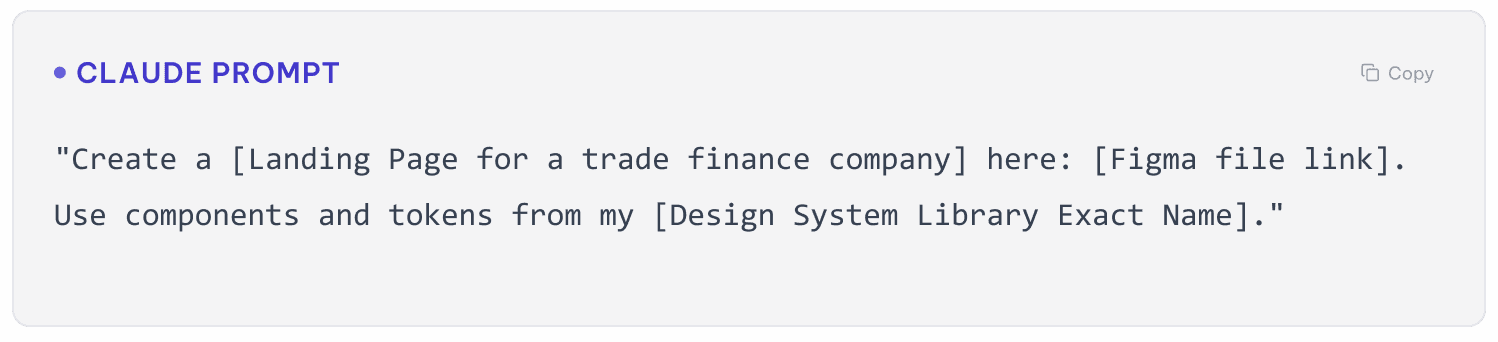
To test how the system could be applied, I then asked Claude to use the generated components to create desktop and mobile versions of a sample landing page for a trade finance company. The screen generation was completed in less than 5 minutes, giving me a quick first draft to review, evaluate, and refine.
The prompt flow
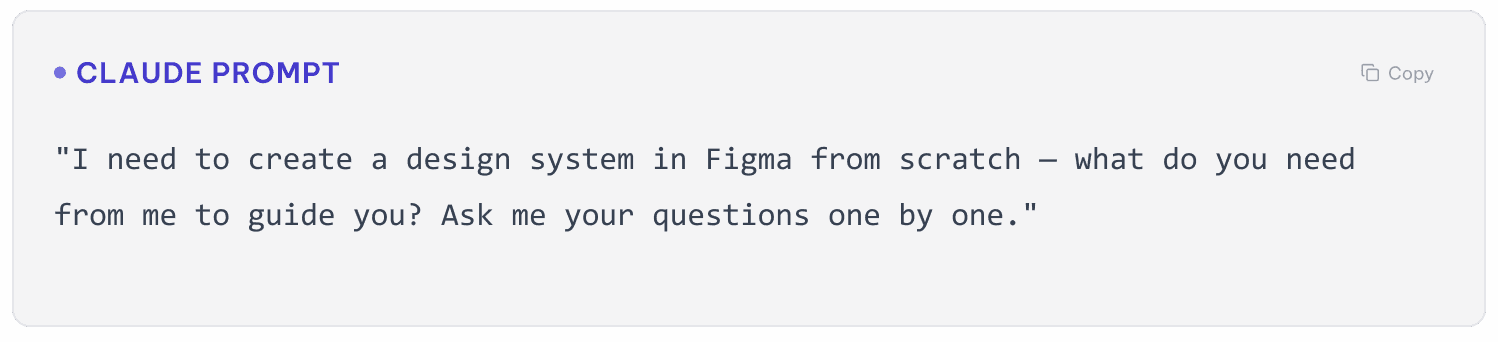
Prompt 1
Let Claude lead the brief
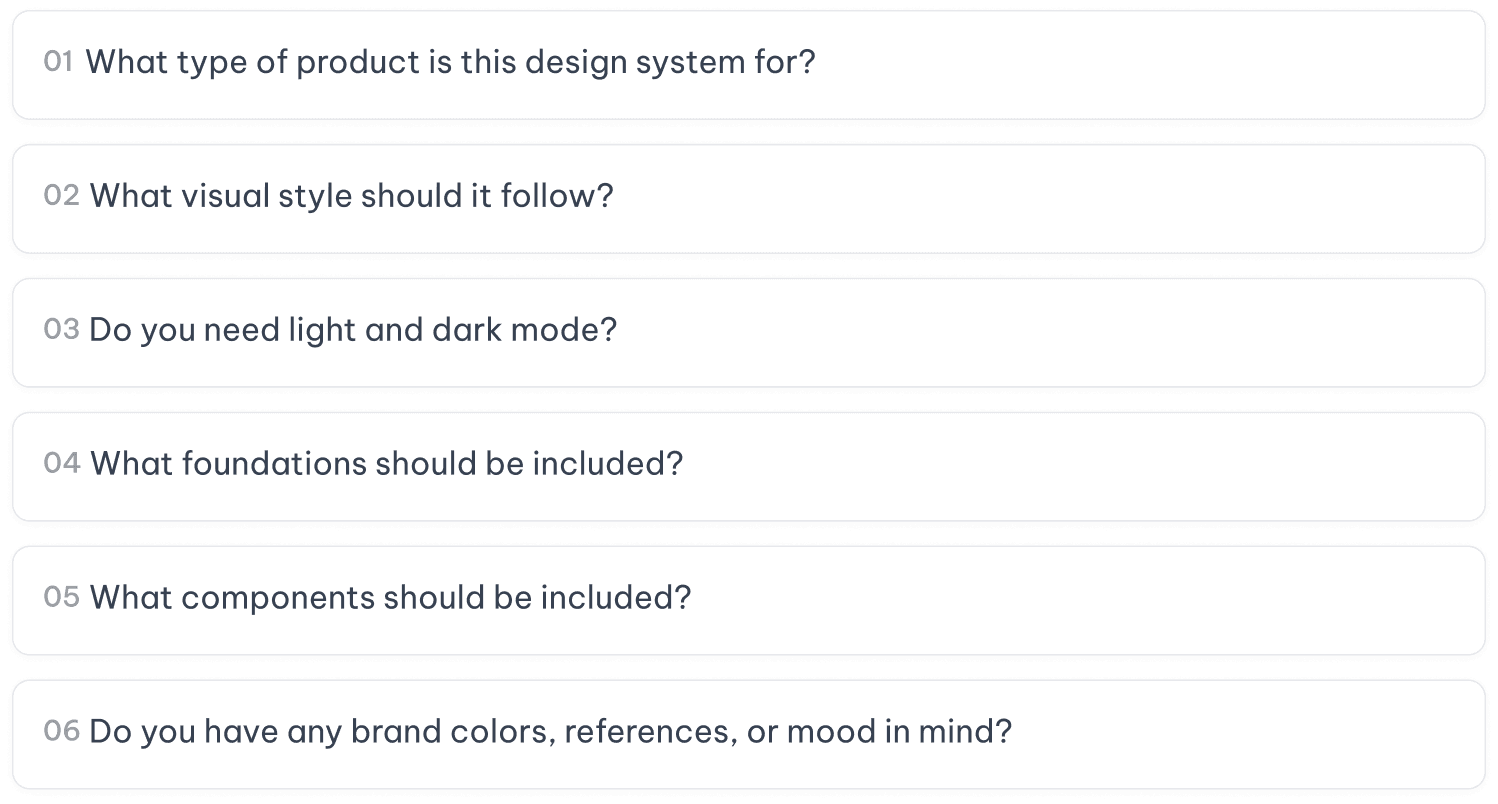
Claude's follow-up questions:

Prompt 2
Build it in Figma
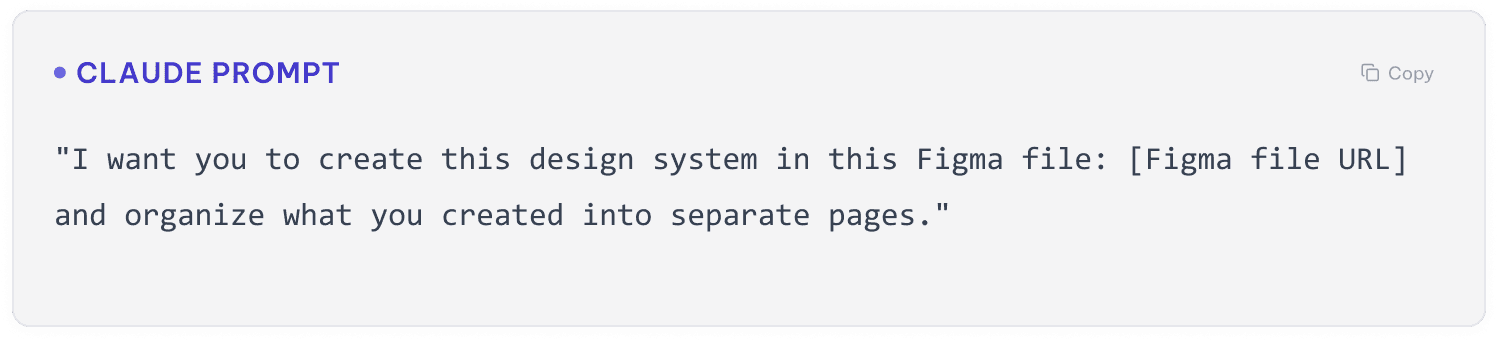
Prompt 3
Build with the system
Final outcome
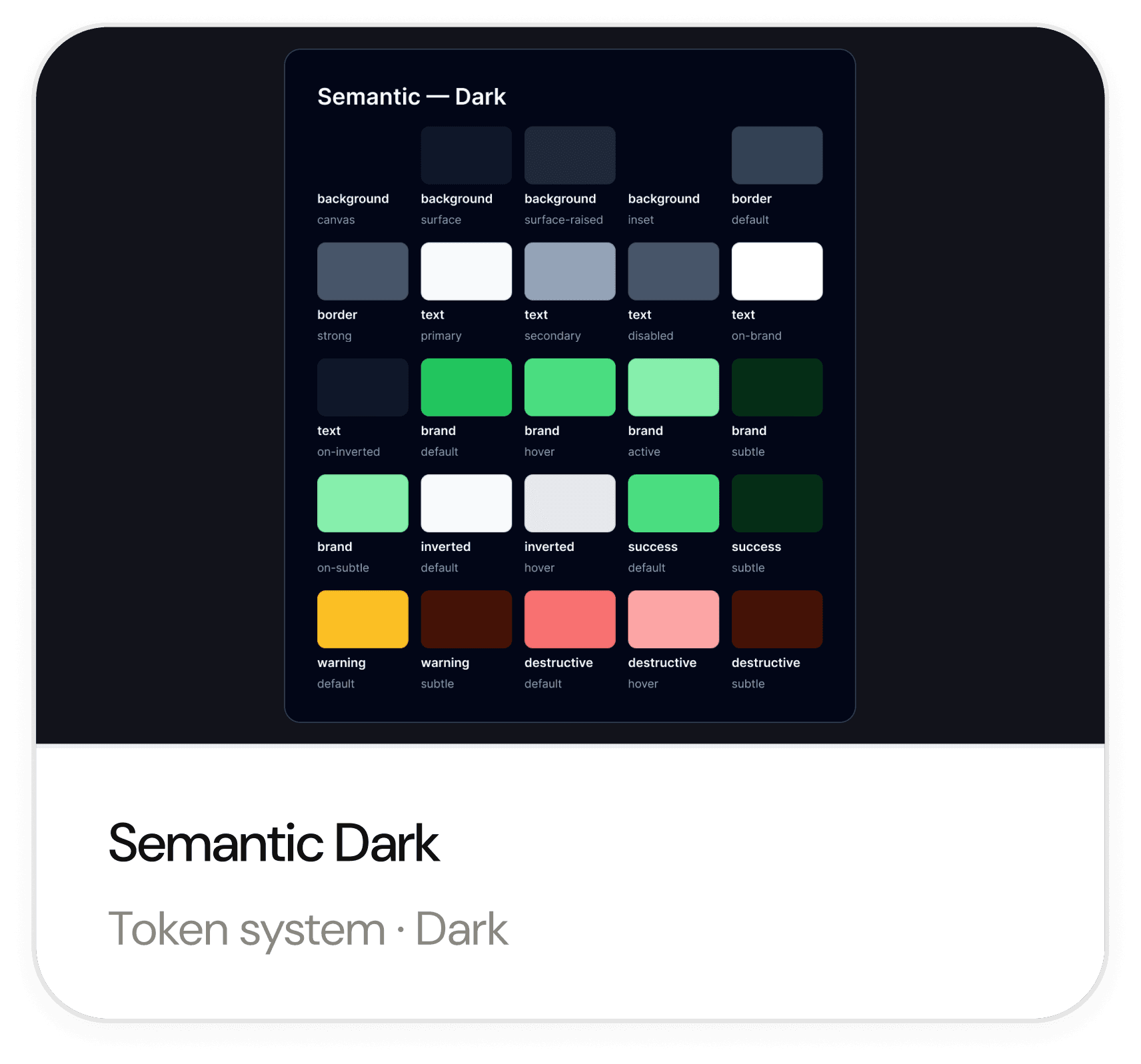
Design System
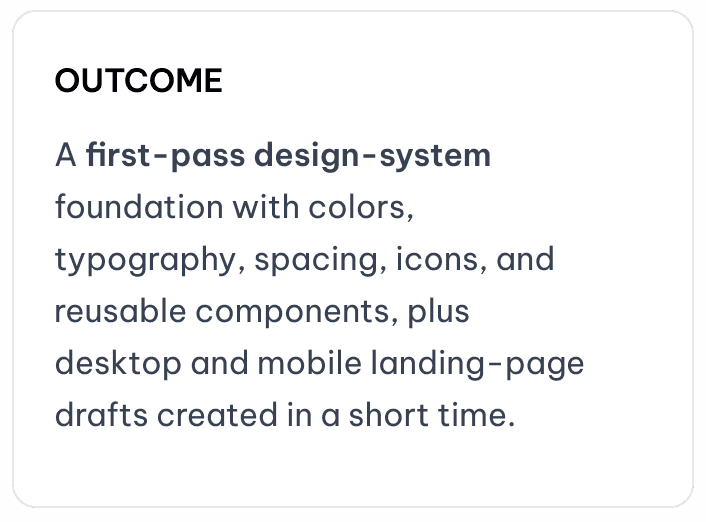
The result provides a useful starting point for further exploration. It establishes an initial visual direction, introduces a basic set of reusable components, and demonstrates how those components might be applied across desktop and mobile layouts.
However, it should be viewed as a first draft rather than a complete or production-ready design system.



Building screens with the design system
Using the starter design system created with Claude, I generated desktop and mobile versions of a sample trade finance landing page. Both screens were created by Claude directly in Figma to explore how the components could work across different screen sizes.


Reflection
This was a rapid, time-boxed exploration rather than a production-ready design system. In approximately 10 minutes, Claude generated a first-pass component foundation and desktop and mobile landing-page directions based on the constraints I provided.
The output still requires thoughtful refinement. Component states, responsive behavior, visual hierarchy, content accuracy, usability, and accessibility would all need to be reviewed and validated before the designs could be considered implementation-ready. I would address these areas through my own design audit, accessibility checks, stakeholder feedback, and further AI-assisted exploration where appropriate.
AI tools can reduce the time required to move from an idea to an initial draft. They can help generate possibilities, explore directions, and create a foundation for further work. However, the quality of the final experience still depends on human judgment.